
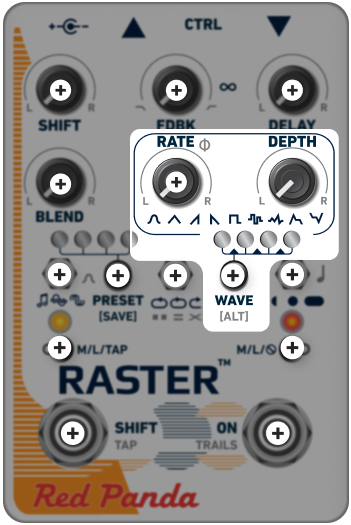
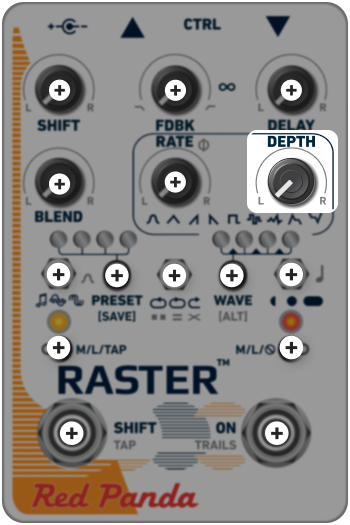
DEPTH
DEPTH adjusts the amount of modulation by the LFO (or envelope). The effect will vary based on where the modulation is assigned, and which wave form is used.
For example: If the modulation is assigned to control amplitude, lower DEPTH settings can create a classic tremolo or slow swells (depending on the RATE), while the maximum DEPTH setting will completely mute the signal at the bottom of the waveform.
If the modulation is assigned to control delay, small DEPTH adjustments can produce highly customizable “wow” and flutter.
If the modulation is assigned to adjust pitch, a low DEPTH setting can produce subtle chorus effects and flanging, while higher settings can be used for wilder, more dramatic movement.
For envelope modulation, DEPTH may need to be adjusted based on the signal level. Inverse envelope modulation can create delay repeats that duck when a new note is played.
MODULATION BALANCE
Holding [ALT] and adjusting DEPTH will decrease the modulation amount on the right channel as the knob is turned left, and vice versa.
It emphasizes modulation on the left (counter-clockwise) or right (clockwise) channel, with the maximum set by the DEPTH control. Moving the DEPTH control will affect both channels proportionally.