
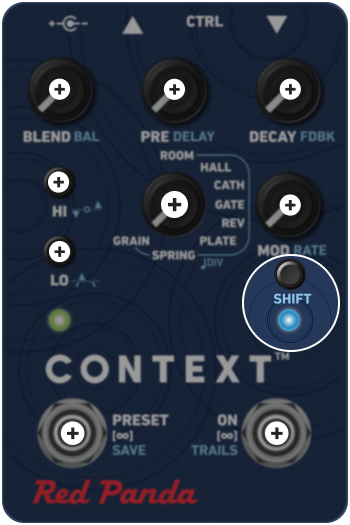
SHIFT
Hold the SHIFT button while adjusting any knob or switch to access its secondary function (labeled in light blue).
The LED will turn light blue when you are accessing the SHIFT menu.
For in-depth adjustments, you can also lock into the SHIFT menu by double tapping the SHIFT button; the LED will blink to indicate the SHIFT menu is active; press the SHIFT button again to return to the primary controls (labeled in white).