
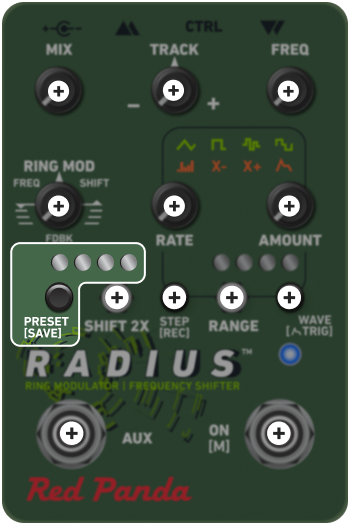
PRESET
Radius can store 100 presets in memory, which are accessible via the web editor or MIDI. Presets 1-4 can be accessed and saved onboard using the PRESET switch.
To save a preset:
- Set the controls where you want them.
- Tap the PRESET switch to select one of the 4 locations.
- Once a location is selected, press and hold the switch for 2 seconds. The main LED will blink once to indicate the save.
To recall a preset:
Tap the PRESET switch to advance through presets 1-4. On the 5th tap, the pedal returns to live settings.